What Android mock location means
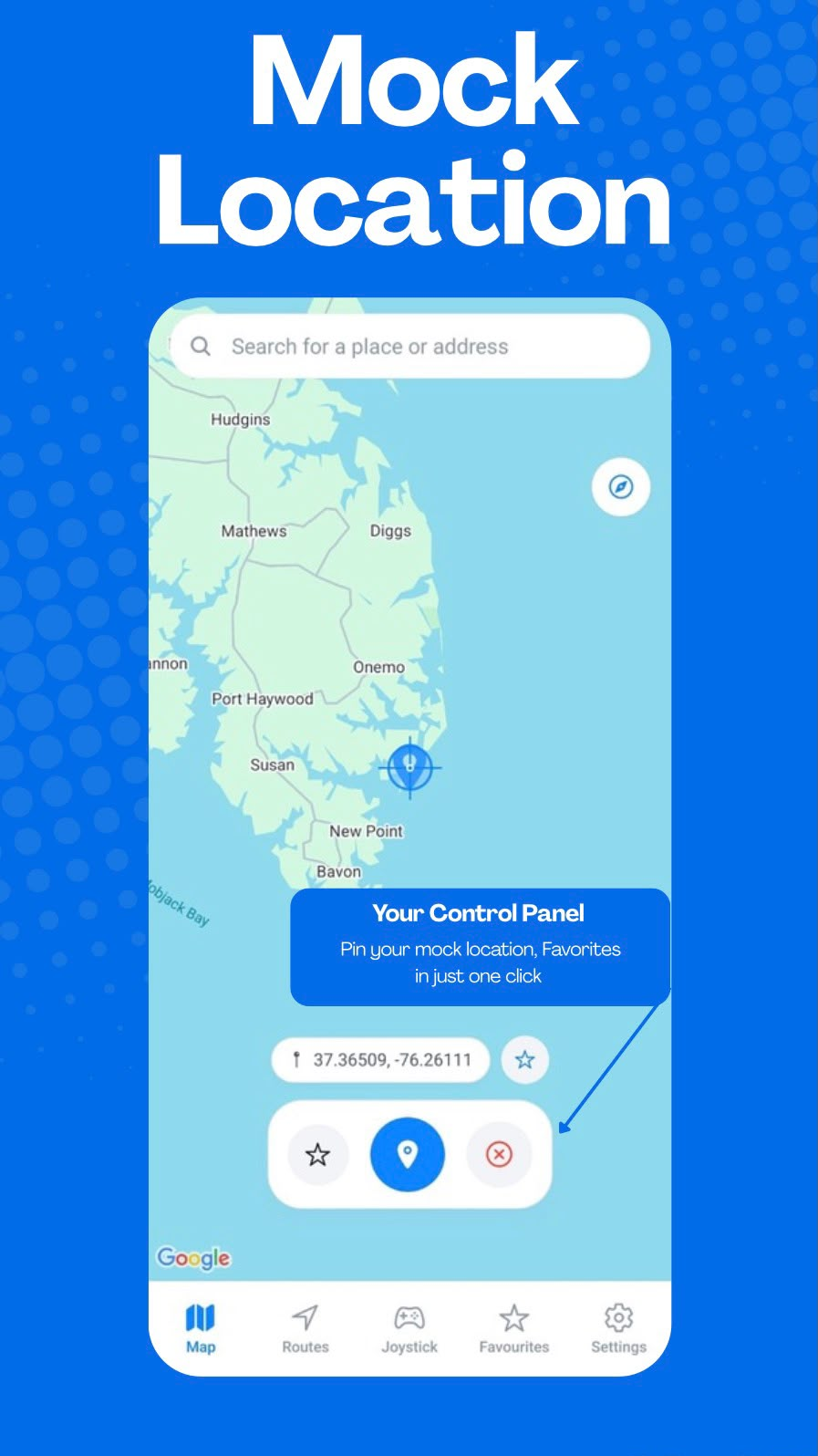
Android includes mock-location capabilities that can be used in supported development and testing workflows. GPS Emulator - Routes & Joystick provides a focused interface for choosing a map location, saving frequently used places, and starting a simulation from the app.
The feature can be useful for application testing, development, location-based workflow testing, demonstrations, and simulations where a controlled location is needed.
Select a location on the map
Search or browse the map, select a point, and save it to Favorites when you want to use it again. Selected points can also become a starting point for GPS route simulation.
Configure Android first
Depending on your device and Android version, developer or mock-location configuration may be required before starting a simulation. Setup options and compatibility can vary by device.
Use it responsibly
GPS Emulator - Routes & Joystick is designed for supported simulation workflows. Users are responsible for using location simulation in accordance with applicable laws, agreements, and service terms.