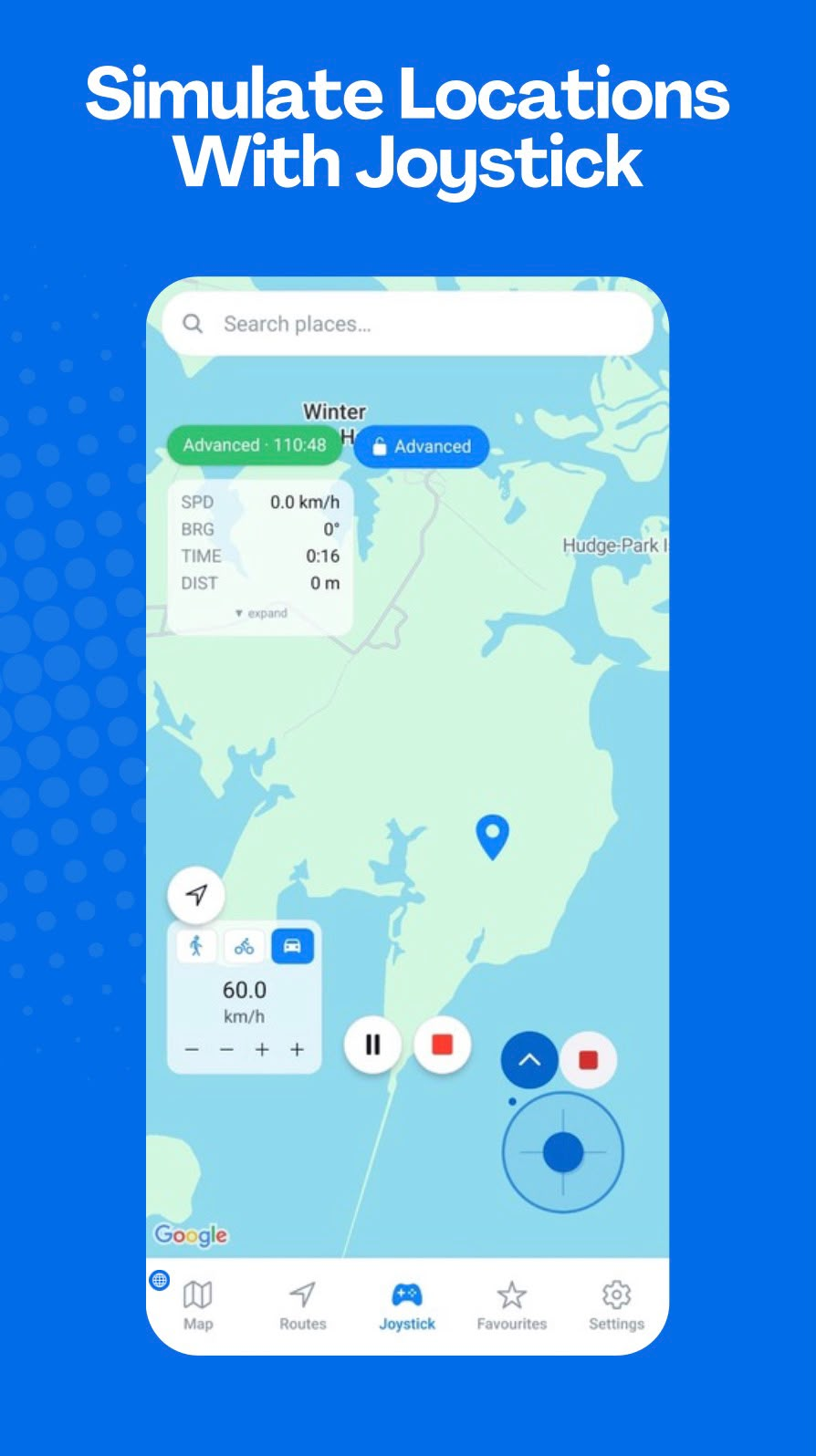
Direction-based virtual movement
GPS Emulator - Routes & Joystick’s joystick controls are designed for manual simulated movement. Choose a direction, adjust the speed, and observe movement details as the simulation runs.
Direction
The joystick provides an intuitive way to set direction. It is useful when testing a location-based workflow requires a custom path rather than a saved route.
Speed
Speed controls help you set the pace of virtual movement. The app also displays live movement information such as speed, bearing, time, and distance.
Android requirements
Joystick simulation relies on Android mock-location support. Before using it, confirm the device is configured for the supported simulation workflow.